Separate the background from the circle
Greenland’s flag has white above red in the background, with a disc shifted toward the flagpole side. The disc reverses those colors: its upper half is red and its lower half is white.
Remember how those two color orders reverse. If you fill the circle with one color or copy the background’s order into it, the design changes even though the palette still contains red and white.
The Greenland flag reference describes the national arrangement. It establishes which colors belong to the design, not the exact palette accepted by Color My Flag.
Use four region descriptions
| Region | Intended color | Relationship to remember |
|---|---|---|
| Upper background | White | Outside the disc |
| Lower background | Red | Outside the disc |
| Upper half of disc | Red | Opposite the upper background |
| Lower half of disc | White | Opposite the lower background |
Name each region before choosing colors. A short reminder such as background white-red, disc red-white preserves the distinction that a simple list of two colors loses.
In the usual flagpole-left display, the disc is shifted toward the left. Use that location to recognize the national design. Check the current controls before trying to move the disc or change its diameter.
Catch a solid-circle mistake early
A red disc on a split background is not the full Greenland arrangement. Neither is a white disc. The circular device has its own division, so inspect both halves rather than stopping when the outline looks familiar.
If one half of the disc has the wrong assignment, fix that region before changing the entire palette. Brightening red cannot correct a white lower background, and darkening a background color cannot restore a missing white disc half.
The Bangladesh guide covers a different circular-device design: a red disc on a green field. Do not carry that solid-disc shortcut into Greenland’s split circle.
Review outside and inside as separate passes
First scan the background away from the disc and confirm white above red. Then inspect the disc and confirm red above white. Finally, look at the full canvas to ensure the two sequences remain opposite.
This review makes a specific mistake easier to name. If the background is right and the disc is reversed, you do not need to guess about every color at once. If both sequences are right, the next question is whether your selected shades match the colors you intended.
Use the color picker guide for a narrower family or tone adjustment. A HEX readout by itself does not supply the game’s correct red or white value.
Keep the next comparison focused
If Greenland appears again, preserve the correctly recognized background and disc while changing the clearest remaining problem. Altering the disc’s order and all selected shades together makes the next percentage harder to interpret.
Watch the visible countdown and leave room for both review passes. Use the outside-to-inside routine to keep track of your work. Check the mode rules before assuming that the background counts more toward the score.
For reading the result, use the accuracy guide. A recognizable split design does not establish a guaranteed perfect percentage.
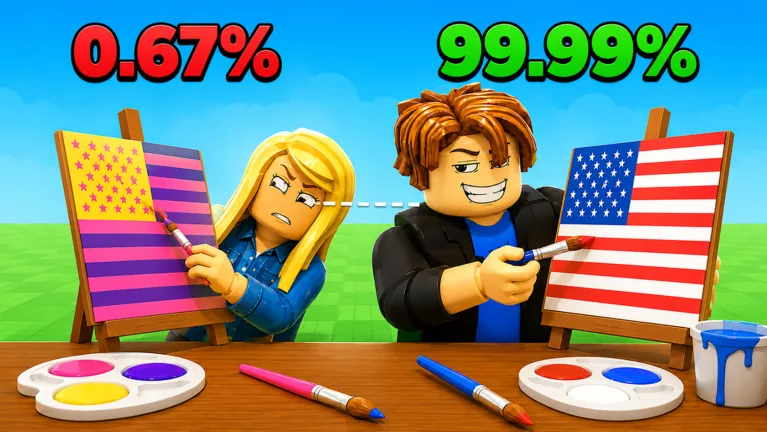
Watch the clip below for gameplay context. Compare the player attempts with the background and disc orders above. They are not an official palette key.
FAQ
What is the background order?
White above red. Check the field outside the circular device.
What is the disc’s color order?
Red above white, opposite the background at the same upper and lower positions.
Is the disc a single solid color?
No. The national design divides the disc into red and white halves. Review both parts.
Can I move the disc to fix my score?
Check the current controls before attempting to move any part of the design. Recognize the supplied template, correct color assignments and compare deliberate palette choices without assuming a movement feature.