Keep the blue square in the upper corner
Chile’s national flag has white above red, with a blue square in the upper flagpole-side corner containing a white star. In the usual flagpole-left display, the blue square is at the upper left.
Check how far the blue square extends. It belongs in the upper part of the design, not as a full-height blue strip down the side. Identify that boundary before selecting shades or thinking about the star.
Check the national arrangement in the Chile flag reference and the Chilean foreign ministry’s national-emblems page. Use those pages for the design, then check the Color My Flag palette separately rather than treating them as exact game color values.
Treat the canton as part of the upper band
| Region | Intended color | Position |
|---|---|---|
| Lower band | Red | Across the bottom half |
| Upper area outside the canton | White | Beside the blue upper corner |
| Canton | Blue | Upper flagpole-side square |
| Star | White | Within the blue canton |
The lower red area continues beneath the upper canton. This relationship is what separates a blue corner panel from a full-height side band.
Use the game’s supplied template and current controls. Recognize the square and star in that template before choosing colors. Do not assume you can resize the square, redraw the star or create new regions.
Check the star against its own background
The star is white and its surrounding square is blue. Reversing those colors creates a different appearance even if the broad white-and-red bands are right.
Inspect the small device separately from the larger fields. It is easy to focus on the bands, then forget the star or assign it the same color as the canton. A completed-looking blue corner still needs the white device inside it.
If your mistake is the star’s placement or color family, fix that region before changing every blue shade. Use the color picker guide to adjust a selected color deliberately instead of changing the whole palette.
Avoid the full-height blue-strip shortcut
A star and red-white areas can suggest a different familiar flag arrangement. For Chile, use the country name to anchor the upper blue square rather than applying a full-height side strip from memory.
Look at the flagpole-side lower corner. In Chile’s design, it belongs to the red lower band. Then check the outer upper corner, which belongs to the white upper area. Those two corners help you recognize the boundaries without staring only at the star.
For another corner-panel design, read the Greece guide. Greece combines its blue canton with stripes and a white cross; that is a separate layout, not a palette you can transfer wholesale.
Review field, boundary and device
Before submitting, check the lower red band, the upper white area, the blue canton boundary and the white star. Finish with a whole-canvas look to see whether the square stays within the upper part.
If the Chile prompt returns, keep that arrangement consistent while correcting one selected shade. Changing the canton size in your mental design and changing the palette together makes the result harder to interpret.
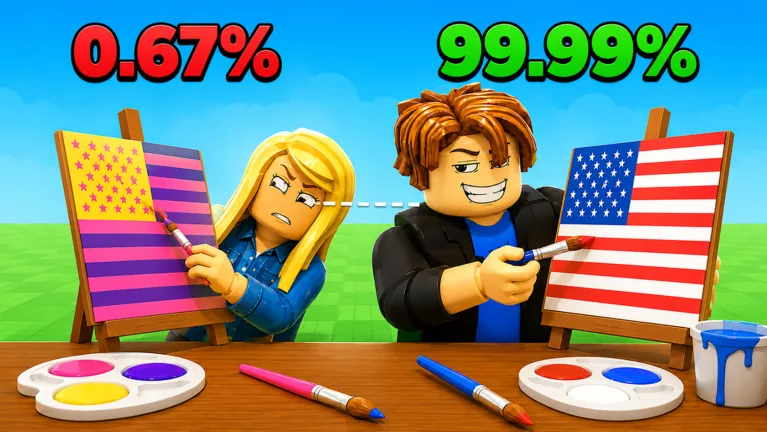
Watch the countdown and use this order to remember the parts you need to inspect. Check the current mode rules before assuming any part has extra scoring weight. Use the accuracy guide to review your percentage without treating it as an exact equation.
Watch the player attempts in the clip below to follow a round. Do not use their color choices as an official answer key.
FAQ
Where is the blue square?
At the upper flagpole-side corner. With the flagpole side on the left, it is in the upper left.
Does blue extend down the whole side?
No. In Chile’s national design, the blue canton occupies the upper corner; the red lower band continues beneath it.
What color is the star?
White, inside the blue canton. Check the star separately from its blue background.
What exact HEX values should I enter?
Check whether the current color field accepts typed input before entering anything. A readout alone does not tell you that you can edit it or supply an exact game answer. Use the national layout to check placement, then compare deliberate palette choices.